Loose Sticks and Quiet Risks: A Removable Media Policy Staff Will Follow
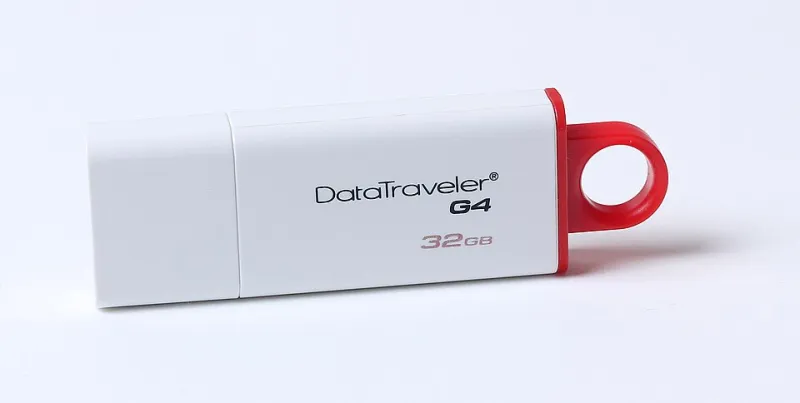
Photo: Dmitry Makeev, CC BY-SA 4.0, via Wikimedia Commons
Walk into almost any UK small firm and open the desk drawer nearest the finance team. There is a good chance it contains a handful of USB sticks: a vendor promotional drive, a personal stick used to move a file to a printer, an unlabelled device from a former employee and perhaps one that nobody recognises. The policy may say that removable media is not permitted. The drawer tells a different story.
The usual response is a blanket ban. It sounds decisive, but it often fails because staff still need to move large files, visit a client site with no guest network or hand over a presentation when the cloud is unavailable. When the approved route is impractical, people improvise. The result is not security; it is invisible risk.
A quiet gap in the control set
Removable media is awkward because it crosses the boundary between the managed estate and the outside world. A personal drive may carry client files, payroll data or personal information. If it is lost, the organisation faces a data protection issue, not just a missing piece of hardware. Under UK GDPR, a lost unencrypted device containing personal data can require assessment and, in some cases, notification to the Information Commissioner's Office.
There is also the malware route. A USB stick can carry an infected file or exploit an autorun setting, although modern endpoint controls reduce the risk. The greater danger is often simpler: unmanaged copies of data proliferate, nobody knows which version is authoritative and the organisation loses track of where sensitive information has been stored.
A policy that staff will actually follow needs to recognise the legitimate use cases. It should make the approved route easy, make the exception visible and make the secure option the default.
Set a policy around exceptions, not prohibitions
Start with a clear principle: removable media is permitted only when an approved cloud or network transfer is not practical. Define the small number of acceptable uses, such as transferring a large file to a client site with no connectivity, backing up a standalone machine or moving data from legacy equipment. Prohibit personal devices and unregistered drives. Require company-issued, encrypted media for any approved use.
Add practical rules. Label and register each approved drive. Assign it to a person or a project. Set a rule for what data may be stored and for how long. Require a malware scan before use on the corporate estate. Explain how to report a lost or stolen device, and do so without blame so that people report quickly. Keep the disciplinary position proportionate; the aim is control, not fear.
Use a one-week amnesty to surface the drawer
A policy that arrives without a transition will simply push devices further out of sight. A short amnesty is a better starting point. Announce a one-week window in which staff can hand in personal, unregistered or unknown removable media without penalty. Provide a drop-off point and a clear process: identify the owner if possible, copy any business data to an approved location, then wipe or destroy the device securely.
Record what comes back. The count, the types of device and the reasons people give are useful evidence. If several people hand in drives because they regularly move client files, the business has a cloud or connectivity gap to fix. The amnesty is not a one-off clean-up; it is a diagnostic exercise. After the window closes, enforce the policy consistently.
Adopt a simple encrypted-drive standard
For the exceptions that remain, choose one standard and keep it simple. A hardware-encrypted USB drive with a PIN is easy to explain and works across operating systems. For Windows estates, BitLocker To Go can encrypt removable drives; for mixed estates, an encrypted disk image or a cross-platform encrypted drive may be more practical. The standard should specify the encryption method, who holds the recovery key, how the drive is labelled and how it is returned or destroyed.
Make the secure route the path of least resistance. Provide approved drives from a central store rather than asking staff to buy their own. Keep a register. Give people a named contact for questions. Test that an encrypted drive can be opened on a non-corporate machine before it is sent to a client. A standard that fails in the field will be abandoned.
Make the cloud the default
Most routine transfers should not need removable media at all. Provide a managed cloud location with clear sharing rules. Train staff on the difference between a link that is open to anyone and one that is restricted to named recipients. Offer a secure file transfer method for large files. Review whether guest Wi-Fi, a client portal or a simple upload page would remove the need for a stick in the first place.
The policy should be reviewed annually and after any incident. Track a few measures: the number of approved drives, the number of lost-device reports, the proportion of staff who have completed data handling training and the reasons for exceptions. These numbers show whether the policy is working or merely being ignored.
Removable media will never disappear completely. The goal is not to pretend otherwise. It is to make the drawer visible, reduce the number of unknown devices and ensure that the few sticks still in use are encrypted, registered and understood.